AI & Agents
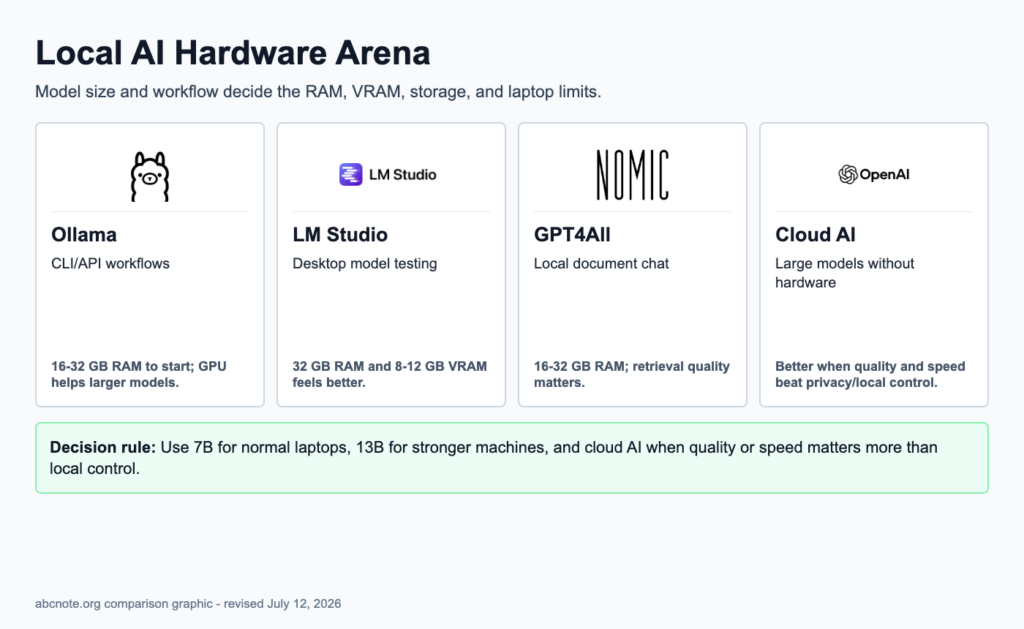
How Much RAM and VRAM Do You Need to Run AI Models Locally?
Choose realistic local AI hardware by RAM, VRAM, CPU, storage, cooling, model size, laptop limits, and the tool you plan to run.
AI models, intelligent agents, prompting, reasoning systems, APIs, and practical AI implementation.
Choose realistic local AI hardware by RAM, VRAM, CPU, storage, cooling, model size, laptop limits, and the tool you plan to run.
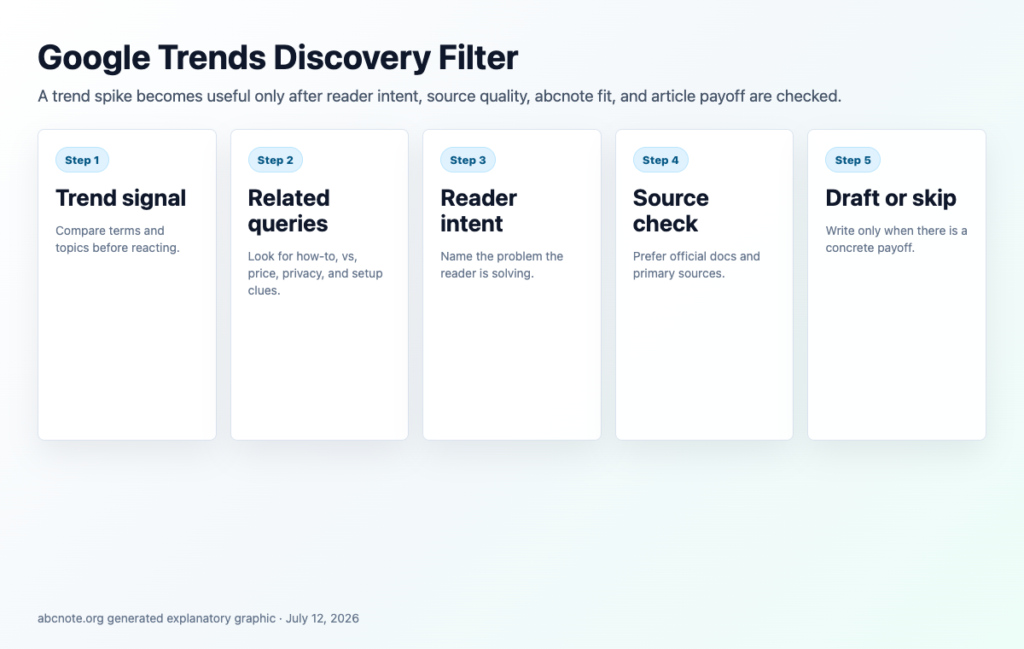
Google Trends guide for choosing tech topics without chasing noise by checking search intent, timing, region, related queries, and durable reader payoff.

Local or Cloud AI guide for choosing private, fast, and cost-aware AI workflows by hardware, data sensitivity, speed, limits, and security risk.

LM Studio Setup guide for testing local AI models safely by hardware, model size, RAM, privacy, downloads, performance, and workflow fit.
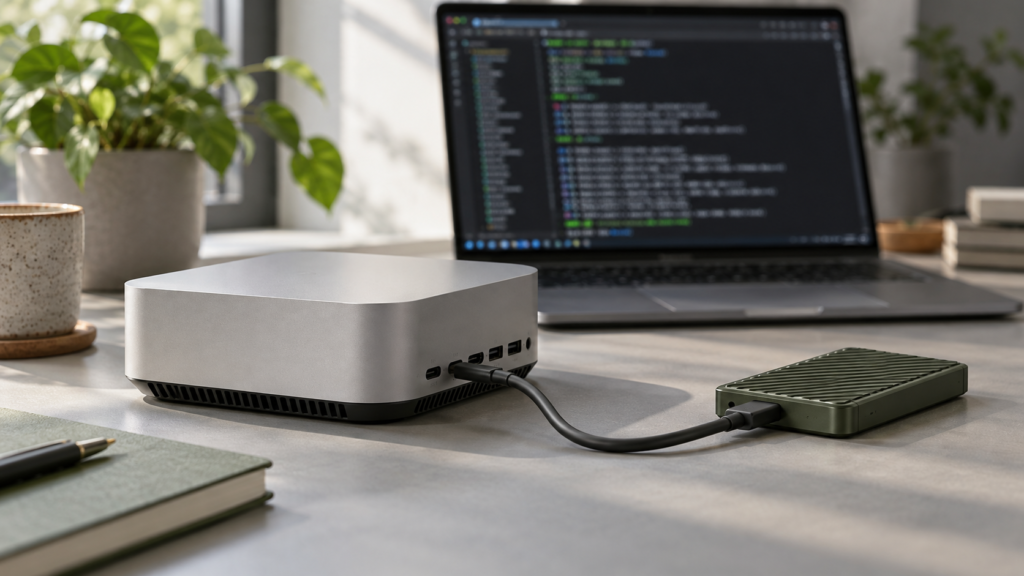
Install Ollama on Windows, macOS or Linux; verify the server, download a model, run chat and API requests, and diagnose common failures.
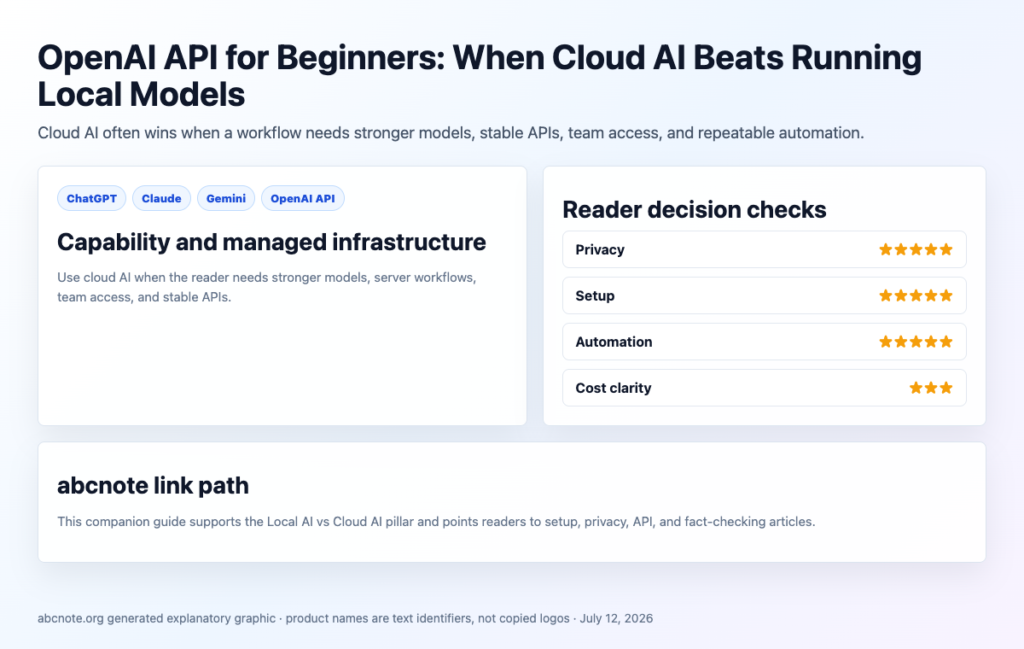
OpenAI API guide for deciding when cloud AI beats local models by checking cost, latency, privacy, context, reliability, setup difficulty, and safety controls.
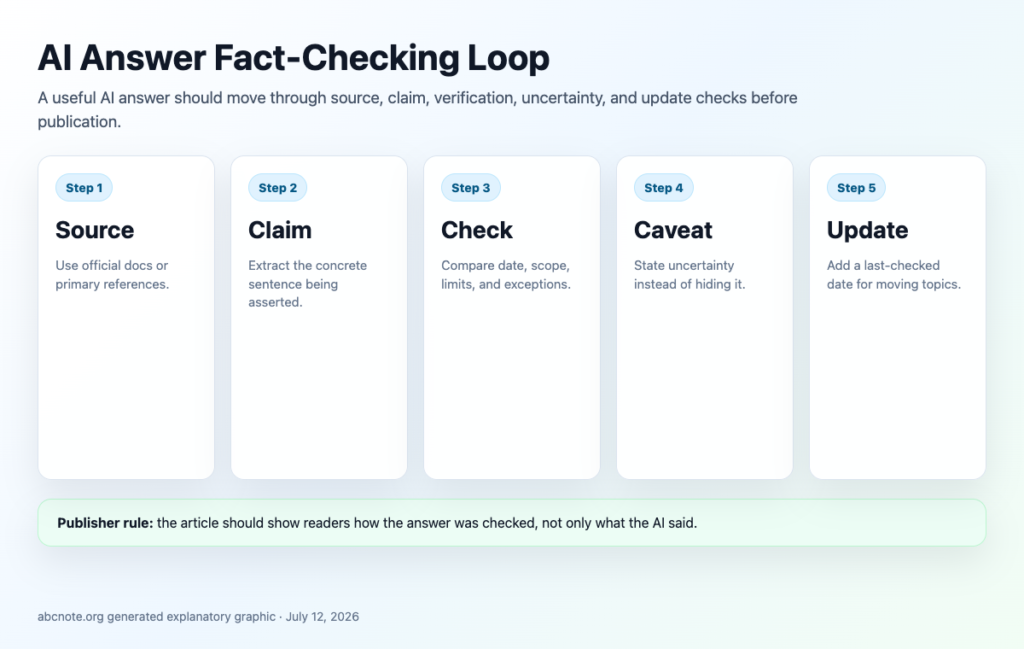
AI Fact-Checking guide for verifying claims, official sources, dates, screenshots, comparisons, quotes, and risky AI-generated answers before publishing.
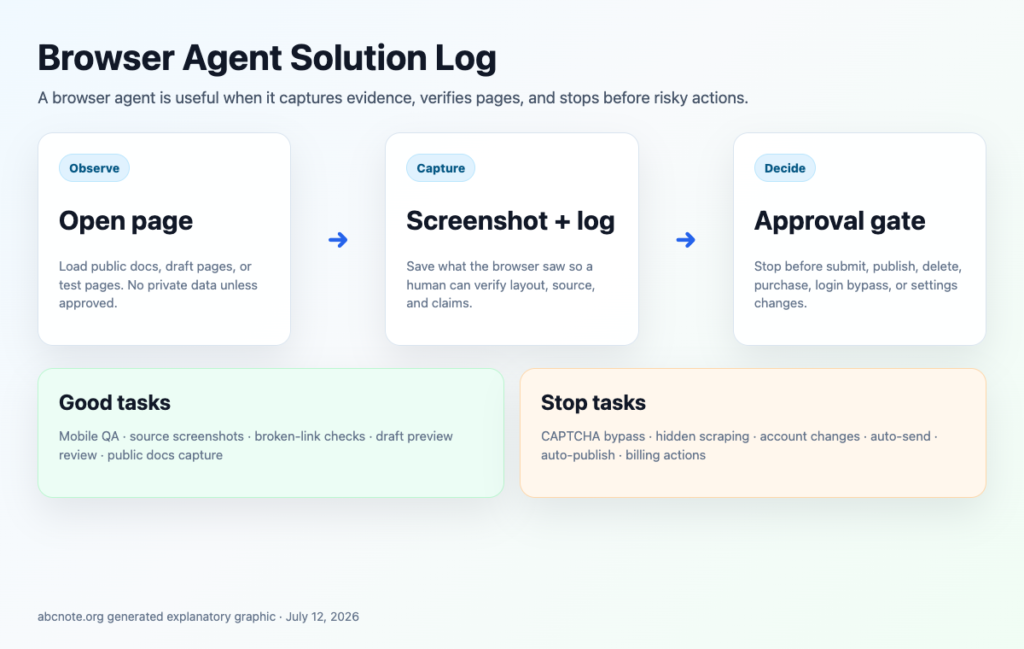
AI Browser Automation guide for safer browser agents, profiles, permissions, screenshots, login boundaries, human review, and logs.
Use browser automation for repetitive work with safer permissions, test profiles, screenshots, logs, and human review.