Search Console for new bloggers: Search Console for new bloggers is the first honest feedback loop. Before monetizing, it shows whether Google can find your pages and which topics are getting impressions.
Search Console final checks
Search Console should give readers a practical decision before they leave the page. Confirm the official source, keep the examples current, and check the cost, privacy, setup difficulty, performance, and recovery tradeoffs that affect a real small site or home workflow.
Use the source link in this section as the current reference point: Google Search Console performance report. Product pages, policies, and pricing can change, so review them again before publishing.
Where this fits in the abcnote stack
Search Console is the measurement layer for the WordPress foundation. It shows whether titles, categories, trust pages, screenshots, and internal links are producing real search visibility before monetization work begins. Continue with these public abcnote guides: AdSense Approval Checklist, WordPress Categories, Search Console Metrics.
Quick answer
Use this guide to make a cleaner decision, avoid beginner mistakes, and prepare a site that looks useful before monetization.
What You Will Learn
- Which Search Console reports matter first
- How to use queries and pages before AdSense
- What not to overreact to in the first weeks
Reference Screenshots
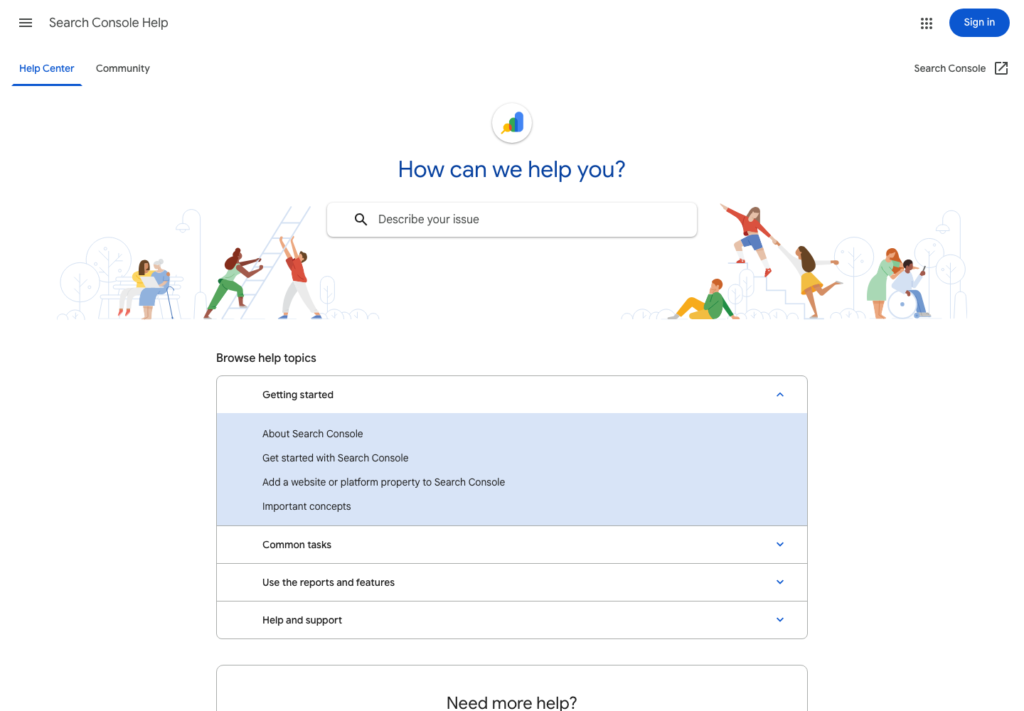
These screenshots were captured from the relevant official sites while preparing this article. They are used as visual references so the guide feels concrete, not generic.
Before a new blog earns meaningful revenue, it needs a simpler milestone: Google must be able to find, understand, and test the content.
That is why Google Search Console matters before monetization. It shows whether your pages are indexed, which queries are triggering impressions, which posts get clicks, and where the site may need improvement.
For a beginner, Search Console can look technical. You do not need to understand every report on day one. You only need to track the signals that help you improve the site.
Set it up early
Set up Search Console as soon as the site is live with a real domain.
If possible, use domain property verification because it can cover all versions of the domain. If that feels too technical, start with a URL prefix property and follow Google’s verification steps through your host, DNS provider, or site plugin.
After verification, submit the sitemap. Most WordPress SEO plugins can generate a sitemap automatically. The sitemap helps Google discover URLs, but it does not guarantee indexing.
Indexing comes first
Before worrying about traffic, check whether important pages can be indexed.
Look for:
- posts that are discovered but not indexed
- pages blocked by noindex settings
- sitemap errors
- accidental private or draft settings
- duplicate or thin pages
- broken URLs
For a new site, indexing may take time. Do not panic if every post does not appear immediately. But if important posts remain unindexed for a long time, review quality, internal links, sitemap setup, and technical settings.
Impressions show early visibility
An impression means a page appeared in Google Search results for a query. For a new blog, impressions can be more encouraging than clicks because impressions often appear before strong rankings.
If a post gets impressions but few clicks, that means Google is testing it for certain queries. The next question is whether the title, meta description, and content match that search intent.
Track impressions by:
- query
- page
- country
- device
- date range
A post with growing impressions is a candidate for improvement, even if traffic is still small.
Queries tell you what Google thinks your post is about
The Performance report shows search queries that triggered your pages.
This is one of the most useful signals for a new blogger. You may think an article is about "AdSense approval checklist," but Search Console may show impressions for related queries like "pages needed for AdSense," "privacy policy for AdSense," or "new blog AdSense requirements."
Those query patterns can guide updates. You might add a clearer section, improve headings, answer a missing question, or create a new supporting article.
Do not chase every query. Look for patterns.
Pages show which articles deserve attention
The Pages view helps you see which posts are starting to receive impressions and clicks.
For a new site, divide posts into three groups:
- no visibility yet
- impressions but low clicks
- clicks and growing query coverage
Each group needs a different action.
No visibility may need patience, better internal links, or quality review. Impressions with low clicks may need a better title and clearer search intent. Clicks and growing coverage may deserve supporting posts and internal links.
CTR is useful, but context matters
CTR means click-through rate. It shows the percentage of impressions that became clicks.
A low CTR is not always a failure. If your page appears for broad queries or low positions, CTR may naturally be low. If your page appears near the top for a specific query and still gets low CTR, the title may not be compelling enough.
Improve CTR by making titles specific, accurate, and useful. Avoid clickbait. A title that overpromises may get clicks once, but it does not build trust.
Average position is not a final grade
Average position can be confusing because it blends many queries and situations.
A page might rank position 8 for one strong query, position 45 for a broad query, and position 2 for a very specific long-tail query. The average number alone does not explain the opportunity.
Use position together with queries and pages. Ask:
- Which query is this page close to ranking for?
- Does the page fully answer that query?
- Can internal links support it?
- Should I create a more focused supporting post?
When to rewrite a post
Do not rewrite everything too early. New blogs need time for crawling, indexing, and testing.
Consider updating a post when:
- it has impressions for relevant queries but low clicks
- queries reveal missing sections
- the title is too broad
- the post does not answer the real search intent
- the content has outdated pricing, tool names, or screenshots
- a related post can strengthen internal links
A good rewrite is not random editing. It is a response to evidence.
What not to obsess over before monetizing
Before monetization, do not obsess over daily traffic swings. New sites are unstable. One day of clicks does not prove success, and one quiet week does not prove failure.
Also avoid checking revenue metrics before the site is ready. The early job is to build discoverability, usefulness, and trust.
Focus on:
- are pages indexed?
- are impressions growing?
- are queries relevant?
- are titles earning clicks?
- are posts connected through internal links?
- are readers getting complete answers?
Those signals prepare the site for smarter monetization later.
A simple weekly Search Console routine
Once a week, review:
1. Indexing problems for important pages. 2. Top queries by impressions. 3. Pages with impressions but low clicks. 4. New query ideas for supporting posts. 5. Posts that need internal links. 6. Outdated claims that need verification.
This routine turns Search Console into an editorial tool, not just a reporting dashboard.
For a new blogger, the goal is not to stare at numbers. The goal is to learn what Google and readers are responding to, then make the site more useful.
Useful references: Google AdSense eligibility guidance, Google SEO Starter Guide, Google Search Console Help.
Related reading
Before You Publish
- Confirm the title includes the focus keyword naturally.
- Check that the meta description is clear and not too short.
- Add one or two relevant internal links after related posts exist.
- Use only images that you own, created yourself, or have permission to publish.
- Keep the article ad-free until AdSense is approved and connected properly.
The practical goal is not to make the article look optimized only to a plugin. The goal is to make it readable, trustworthy, and useful enough that the optimization score reflects real quality.
Read weak signals before chasing revenue
Search Console does not tell a new blog everything, but it quickly shows whether Google can discover pages, which queries trigger impressions, and whether titles earn clicks. For a site with very low traffic, impressions and indexed pages often matter more than daily visitor count.
Start with indexing, impressions, queries, CTR, average position, top pages, and pages with no impressions. A page with no impressions may need a clearer title, better internal links, stronger first-screen answer, or a more realistic keyword target.
Use the data with the AdSense approval checklist and AI writing quality guide. Monetization is easier to review when the site already has discoverable, original, useful pages.
| Metric | What to look for | Practical next action |
| Indexed pages | Important posts should appear in the index. | Fix sitemap, internal links, or page quality if key posts are missing. |
| Impressions | Some pages should begin appearing for relevant queries. | Rewrite unclear titles and strengthen article openings. |
| CTR | Very low CTR can signal weak titles or mismatched intent. | Use specific, attractive titles that still match the body. |
| Queries | Queries should match the site promise and clusters. | Adjust categories and internal links around real search demand. |
Final review before this draft is ready
Check the page on a phone before publishing. The title should wrap cleanly, the first paragraph should answer the visitor quickly, and every table should keep visible borders without forcing the reader to pinch and guess.
Use official pages for setup, pricing, policy, documentation, or product limits. If a platform changes often, phrase the recommendation as a decision rule and note that the source was checked in July 2026 rather than pretending the number will stay fixed forever.
The reader should leave with one clear next action: choose a host, create trust pages, protect the domain, simplify categories, or read Search Console signals before monetizing.