
Passkeys can replace password-only sign-in for a growing share of accounts. They should not, however, be treated as a magic eraser for every password, recovery path, legacy application, or workplace process. The useful question is not whether the word passwordless sounds final. It is whether a person or organization can still regain access safely when a device changes, a credential is unavailable, or a support process is under pressure.
A passkey is an authentication credential based on FIDO standards. It can be stored on a phone, computer, or hardware security key, and it lets a person sign in with the same kind of local approval used to unlock a device: biometrics, a PIN, or a pattern. Microsoft describes passkeys as an evolution of passwords: rather than remembering or writing down a complex secret, the credential is linked to a device.
That is a meaningful shift in the sign-in experience. It is also why the deployment decision has to include more than the login screen. A good passkey strategy has an answer for everyday sign-in, a new laptop, a lost phone, a mixed-device household, an employee departure, and the person who needs help at the least convenient possible moment.
Replace password-only sign-in first
The strongest practical case for passkeys is not a dramatic declaration that every password must disappear tomorrow. It is the narrower and more useful move: stop treating a remembered password as the default proof for accounts that can support a passkey.
That distinction matters because “replace passwords” can describe several very different projects. A consumer may simply add a passkey to a personal account. A product team may make passkeys the preferred choice while retaining another route for people who have not enrolled. An enterprise may be redesigning enrollment, account recovery, privileged access, help-desk procedures, and application compatibility at the same time. Those are not equivalent undertakings, and they should not be judged by the same slogan.
The available evidence supports a qualified conclusion. FIDO describes a passkey as a credential that can live on a phone, computer, or hardware security key and be approved with a device-unlock method. Microsoft similarly frames the change as moving from a remembered complex password to a credential associated with a device. Those are concrete changes in how people authenticate. They do not, by themselves, establish that every account recovery method or every older application is ready for retirement.
For an individual, the immediate decision is straightforward: where a service offers a passkey, it is reasonable to evaluate it as the primary everyday sign-in method. For an organization, the immediate decision is more disciplined: identify which user groups, devices, applications, and recovery routes can support a passkey-led flow without creating a new support burden or a weak exception path.
That is not hesitation for its own sake. It is how a security improvement survives contact with reality. A secure sign-in that fails during a phone replacement or an employee transition will eventually be bypassed. The fallback becomes the system people actually rely on.
What a passkey changes at sign-in
Passwords ask people to remember a secret and present it repeatedly. Passkeys shift the visible interaction toward approving sign-in on a device or with a hardware security key. The approval method may look familiar because it can use a biometric prompt, PIN, or pattern—the same class of action people already use to unlock a device.
This is where the language around passkeys often gets sloppy. A fingerprint or face prompt is not a claim that a website receives a person’s biometric data. The useful, supportable description is simpler: the passkey can be used with the process a person uses to unlock their device. The service is asking for successful authentication; the local device is where the person completes the familiar approval step.
That difference in mental model is valuable. A password is often treated as an object a person owns in their head, copies into a manager, resets through email, or types into a form. A passkey is better understood as a credential used through a device or security key. Once readers grasp that, the difficult questions become clearer. What happens when the device changes? Who controls the credential store? Can a worker enroll more than one approved authenticator? Which support process handles a person who cannot use their ordinary device?
Passkeys are often described with broad security language, and the National Cyber Security Centre has published material titled Passkeys are more secure than traditional ways to log in. That is a helpful direction, but it should not be converted into a promise that every account surrounding a passkey is automatically safe. Authentication is one part of an account system. Recovery, support, notification settings, device security, and operational policy still shape the final outcome.
The cleanest editorial test is this: can a reader distinguish the credential from the device-unlock gesture, and can they explain what their recovery route is without reverting to vague confidence? If not, the implementation has not yet become usable enough to call password replacement complete.
Security is not the same as a smoother screen
Passkeys deserve attention because they change both security and usability conversations. But comparisons are most useful when they avoid pretending that every sign-in method faces the same risks or has the same operating costs.
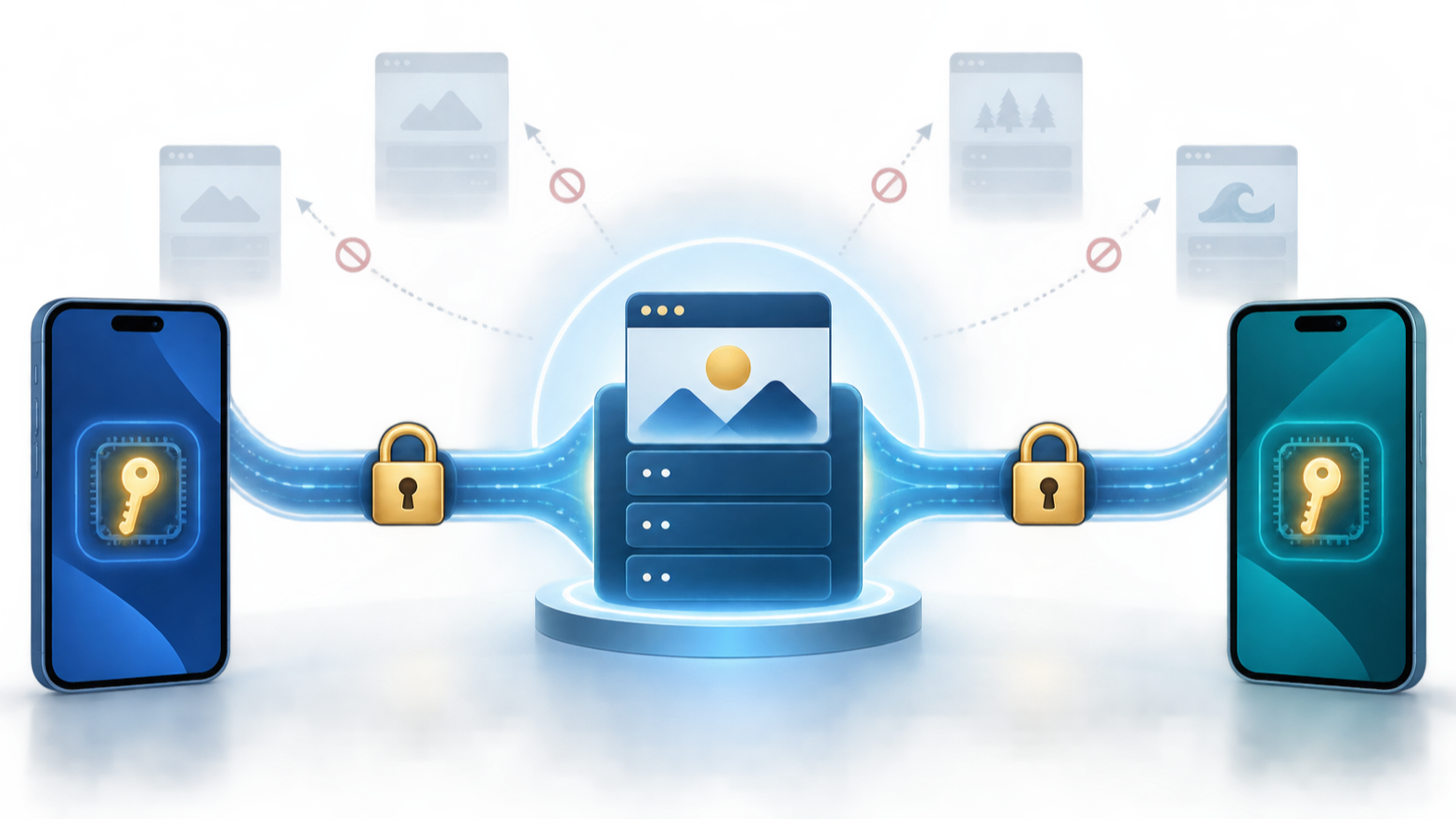
| Approach | What the user typically does | Decision question |
|---|---|---|
| Password-only | Remembers and enters a password | Can the account safely move away from a reusable remembered secret? |
| Password plus code | Enters a password, then an SMS or app code | Does the extra step improve access control without creating avoidable friction or fallback weakness? |
| Passkey-led sign-in | Approves with a device or hardware security key | Are device access, enrollment, recovery, and support ready for the new model? |
A password-only flow puts enormous weight on one remembered secret. Password-plus-code flows add another step, but they also add another user interaction, another device dependency, and often another support scenario. A passkey-led flow is appealing because it can remove the routine task of remembering and typing a complex password while using a credential stored on a phone, computer, or hardware security key.
That does not make the comparison a simple hierarchy in every context. A person who has one well-managed device and a clear recovery plan may find passkeys pleasantly uneventful. A worker who moves among managed computers, shared workstations, multiple operating systems, and tightly controlled applications needs an answer that is more operational than elegant.
RSA’s published passkey material makes a strong vendor claim: accounts are 99.9% less likely to be compromised than password-only accounts, password-related overhead exceeds $1 million annually for most enterprises, and passkeys can improve sign-in speed, success rates, and help-desk volume. Those figures are useful as a statement of RSA’s position, not as a universal budget forecast. An organization should not paste them into a business case as if they were guaranteed results. The sensible use is to ask whether its own password-reset load, sign-in failures, and support procedures resemble the problems the claim is trying to address.
In other words, security analysis should include consequence. A better login ceremony is valuable. A recovery process that an attacker can manipulate, a support desk that cannot verify exceptions consistently, or an unmanaged device that remains trusted indefinitely can still undermine the result. Passkeys improve a specific part of identity practice; they do not eliminate the need to govern the rest of it.
Synced and device-bound are different choices
The word passkey can hide an important design choice. A credential associated with a personal device ecosystem and a credential held on a dedicated hardware security key may both be described as passkeys, but they solve different practical problems.
A synced approach can make device replacement feel less punishing. It may suit people who expect to move between personal devices and want everyday sign-in to remain simple. Its strength is continuity: the user experience can be less dependent on carrying one particular physical item at every moment.
A hardware security key makes a different promise. FIDO says a passkey can be stored in such a key, alongside the option of storing one on a phone or computer. That makes the physical key a useful choice where an organization wants an authenticator that is clearly separate from the user’s ordinary computer or phone. It can also be useful for people who prefer a tangible, intentional access tool.
Neither model is automatically the “serious” one. The right choice follows the risk and operating environment. A consumer whose main problem is replacing a phone has different priorities from an administrator responsible for sensitive systems. A small company with mostly managed laptops has different needs from a workforce that uses personal devices, shifts between locations, and must access older applications.
Ask four questions before choosing
First, where will the credential be available? A phone, computer, and hardware key imply different day-to-day habits. Second, what happens when that ordinary device is replaced or unavailable? Third, who is permitted to enroll another credential? Fourth, what route remains when the normal passkey cannot be used?
These questions may feel procedural, but they determine whether “passwordless” is a genuine improvement or merely a prettier first screen. A team that cannot answer them has not finished an authentication design. It has only selected a sign-in option.
There is also a behavioral point worth preserving. People tend to make recovery decisions during stress: a phone has been lost, a laptop is broken, a traveler is locked out, or a worker is trying to start a shift. A plan that assumes calm, perfect device availability is not a plan; it is an optimistic demo.
Recovery is the real test
Every authentication system eventually meets a new device, a damaged device, a lost device, or a person who cannot perform the ordinary sign-in. Passkeys do not remove that reality. They force the question into the open, which is one of their underappreciated virtues.
Microsoft’s FAQ says a passkey is linked to a device such as a computer or phone. That should make every user ask a practical follow-up: what is my route into the account when I do not have that device in my hand? The answer may involve another enrolled device, a hardware security key, a trusted account-recovery process, or another controlled route offered by the service. The important point is not that one method is universally correct. It is that the method must be decided before the emergency.
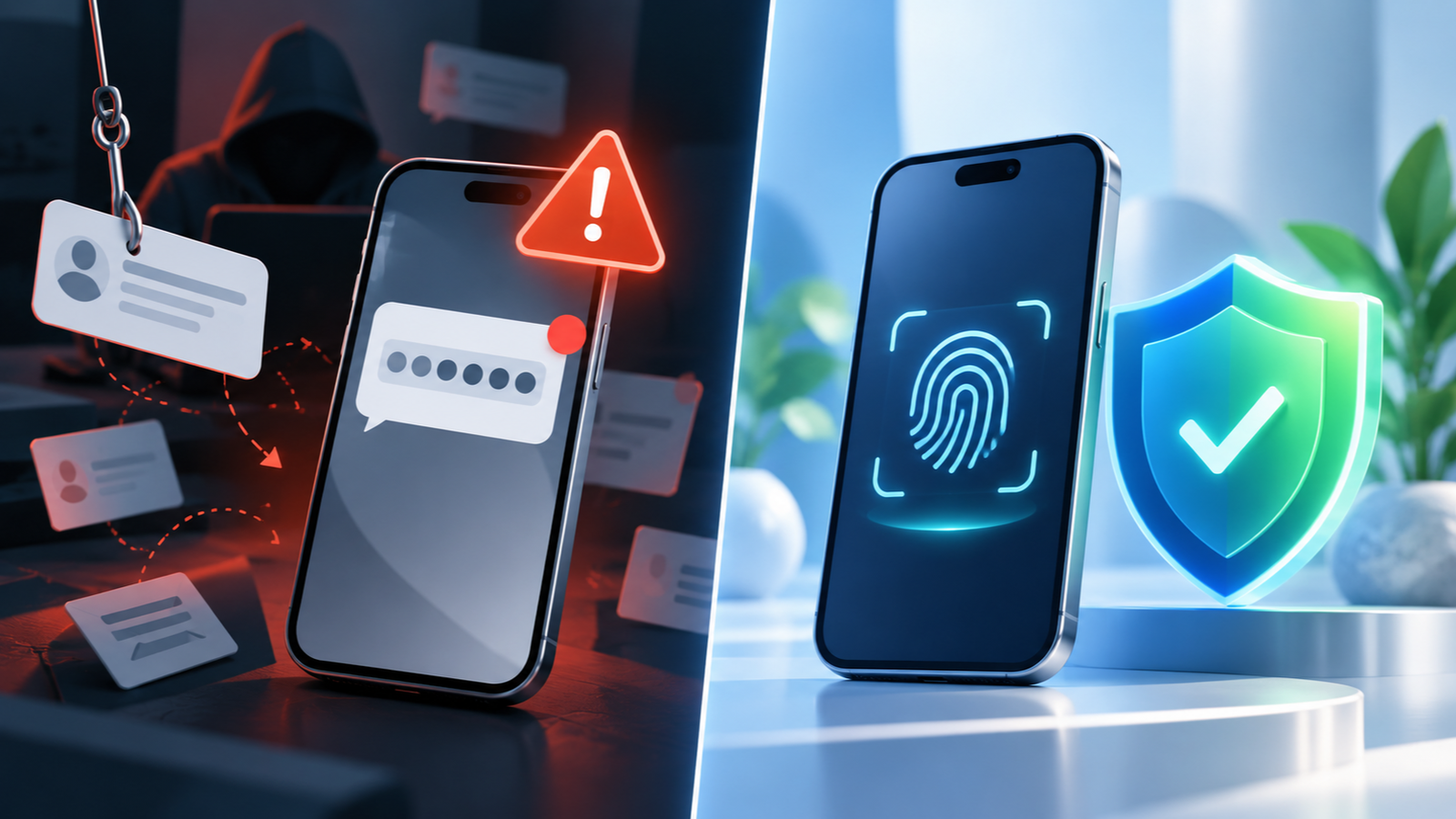
For individuals, recovery preparation should be deliberately boring. Know which accounts have passkeys. Keep track of which devices or security keys are enrolled. Avoid treating a single phone as the entire access strategy for financial, work, or identity-sensitive accounts. Review recovery details when changing a phone or computer rather than assuming the change will be seamless.
For organizations, the equivalent work is less personal and more formal. Define who can approve enrollment of an additional authenticator. Decide how help-desk staff verify a recovery request. Record how access is removed when employment ends or a device is retired. Identify where shared-device use makes a personal passkey flow awkward. These are not administrative footnotes. They are the controls that prevent a convenience decision from becoming a lifecycle gap.
The uncomfortable truth is that a weak recovery path can become the preferred attack path. That does not argue against passkeys. It argues against celebrating the everyday login while leaving exceptional access to improvisation.
Device changes need a rehearsal
A phone upgrade is ordinary. A laptop replacement is ordinary. A user moving between home, office, and travel devices is ordinary. Security architecture should treat these as routine operating conditions, not rare edge cases.
A practical rehearsal is more valuable than a grand claim about readiness. Before declaring a passkey program mature, walk through a few realistic events: a person receives a new phone, cannot access an old laptop, loses their usual device, needs a second authenticator, or changes roles inside the company. The aim is not to manufacture a dramatic test. It is to discover whether the instructions, approvals, and support ownership are intelligible.
This is especially important for accounts that sit at the center of other accounts. Email, device platforms, workplace identity, and account-recovery channels often matter more than a single shopping or media service. If access to a central account is lost, the recovery problem spreads outward. A passkey plan should therefore prioritize the accounts whose compromise or loss would make recovery elsewhere harder.
There is a useful rule of thumb: convenience is credible only when replacement is credible. If a user can explain how they will authenticate on a new device without reciting a fragile chain of assumptions, the design is probably on solid ground. If the answer depends on an untested support exception or a forgotten password, the password has not really been retired from the system.
Apple, Google, Microsoft, and mixed fleets
Passkeys are often encountered through device ecosystems. That is unsurprising: Microsoft explicitly explains passkeys as being linked to a device, while FIDO says they can be stored on phones, computers, or hardware security keys. The reader’s task is not to pick a winning brand from that fact. It is to understand that the credential experience will be shaped by the devices and account environments a person actually uses.
For a person who mostly lives in one ecosystem, the question may be pleasantly small: does the service offer a passkey, and can I approve sign-in on my usual device? For a person who changes platforms, uses both personal and work hardware, or regularly accesses services from unfamiliar equipment, the question gets larger. Where is the credential available? What can be enrolled? Which device is appropriate for which account? What happens when a worker cannot use a personal device for a work sign-in?
Mixed fleets are where vague language becomes expensive. “Users have passkeys” is not an operating model. An organization needs to know which groups use managed computers, which rely on mobile devices, which have compatible workflows, and which older services still expect a password. It also needs a clear distinction between what is technically possible and what is approved by policy.
Shared devices deserve particular caution. A personal credential model can be excellent for a named individual and awkward for a workstation used by several people across shifts. The answer may be a carefully governed hardware key, a different workstation process, or a deliberate coexistence path. The point is not to preserve old passwords out of nostalgia. It is to avoid forcing a personal-device assumption onto a working environment that does not have one.
This is also a useful place to resist the temptation of a universal recommendation. Platform convenience is real. Interoperability and workplace policy are real too. The correct design can differ across the same organization because the work differs across the organization.
Across an organization, the surrounding governance determines whether a technology choice delivers lasting benefit.
Enterprise adoption is an identity-lifecycle project
The enterprise case for passkeys is compelling precisely because passwords create recurring work. RSA argues that password-related overhead exceeds $1 million annually for most enterprises and links passkeys to faster sign-in, higher success rates, and reduced help-desk volume. Its message is directional: password dependence has a cost beyond the password itself.
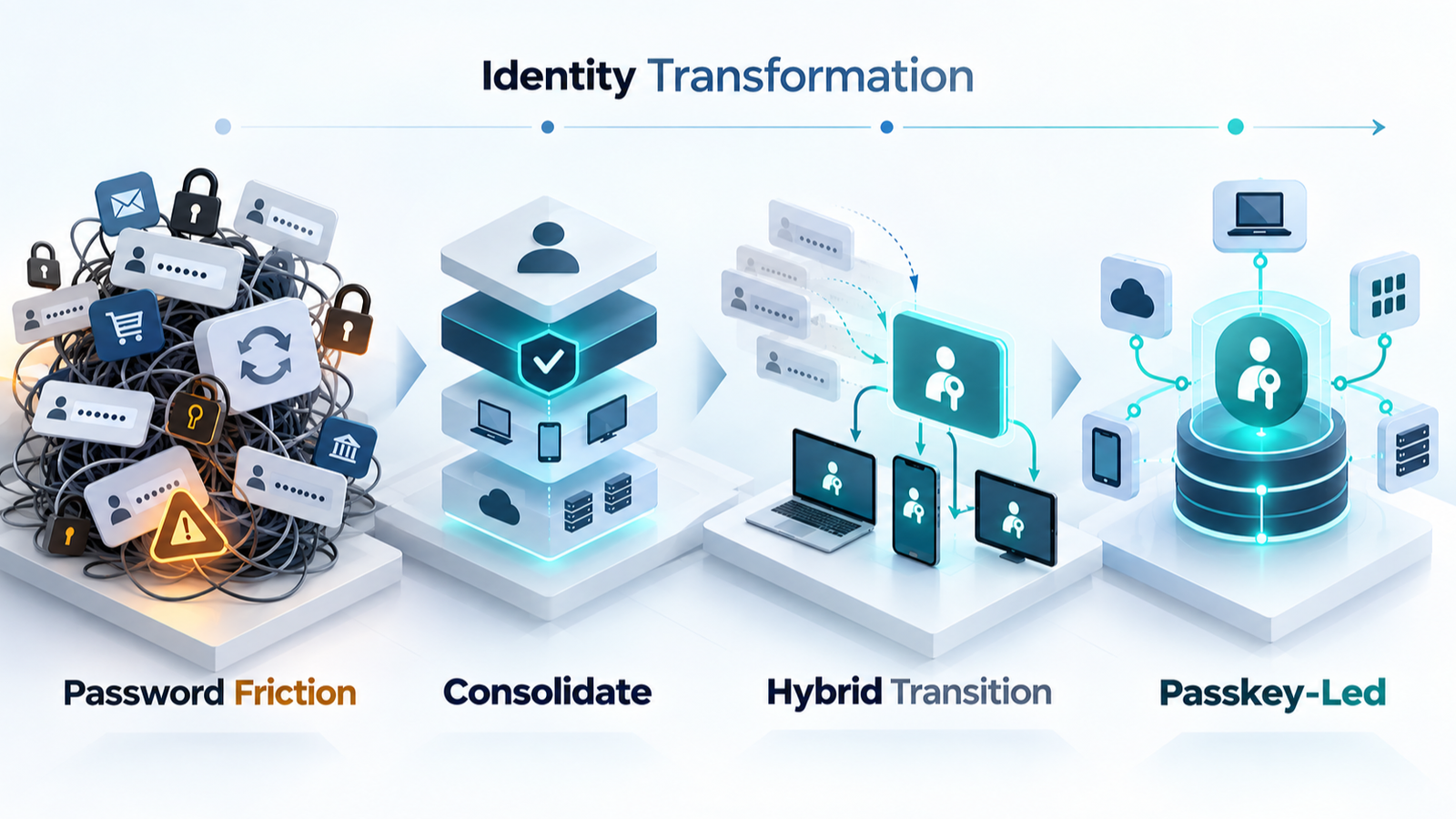
Still, an organization should separate a vendor’s broad outcome claim from its own deployment evidence. The local business case should begin with real operational questions: How many password resets occur? Which applications create the most sign-in failures? Which roles need stronger protection? How are lost devices handled? Which teams own account recovery? How many systems can support a passkey-led flow today?
FIDO Alliance reporting cited by Help Net Security says that 87% of companies have, or are in the midst of, rolling out passkeys with goals tied to improved user experience, enhanced security, and compliance. That figure shows substantial organizational interest. It does not tell a particular company which controls it can skip. Adoption interest and mature implementation are different things.
A sensible enterprise rollout begins with identity lifecycle, not a launch announcement. Enrollment should be clear. Multiple approved authenticators may be appropriate for some roles. Lost-device procedures should be rehearsed. Offboarding should remove access deliberately. Privileged users should receive an approach that matches the consequences of their access. Help-desk staff should know when they are authorized to assist and when they must escalate.
Legacy systems are part of the same picture. A company may be able to make passkeys the preferred route for modern applications while retaining a constrained coexistence path for systems that cannot yet participate. That is not a failure of ambition. It is a way to reduce reliance on passwords where possible without pretending that the rest of the estate has vanished.
Teams building software should also recognize that authentication is a product decision as much as a security decision. Enrollment language, recovery screens, device-change instructions, and support handoffs all affect whether users can complete the intended flow. AI-augmented software development offers a related reminder: technical capability becomes valuable only when the surrounding workflow is designed for real people.
A staged path beats a dramatic cutover
The practical route to password retirement is staged. Begin where passkeys can replace password-only sign-in cleanly. Make the preferred sign-in path obvious. Establish recovery before reducing older options. Measure support outcomes and account-access problems. Expand to additional user groups and applications when the lifecycle controls are working, not merely when the feature is available.
This is where the distinction between reducing password dependence and eliminating every password becomes most useful. The first is often an achievable, valuable goal. The second may be appropriate in selected environments, but it demands confidence in recovery, device management, support, application compatibility, and user enrollment. An organization should earn that confidence rather than assume it.
Start with a decision checklist
Use passkeys broadly now when the account supports them, the ordinary user experience is clear, and there is a known route for device change or loss.
Keep a controlled coexistence path when a user population depends on unsupported applications, shared devices, unusual access patterns, or recovery processes that have not been tested.
Use hardware security keys where appropriate when a separate physical authenticator better fits the role, policy, or risk than relying only on an ordinary phone or computer.
Do not call the work complete until enrollment, replacement, recovery, support, and offboarding have named owners. The everyday login is the visible part of the system, not the whole system.
There is a final cultural point. Passwords have trained people to think that account security is mainly about choosing and remembering a secret. Passkeys invite a better question: what is the approved, recoverable, supportable way for this person to prove access? That is a richer question, and it leads to better decisions than another annual reminder to make passwords more complicated.
My practical judgment
Yes: passkeys can replace password-only sign-in in many valuable places, and they should be considered the preferred direction where the service supports them. No: they do not justify careless claims that recovery, legacy compatibility, device change, and enterprise access management have solved themselves.
The mature position is neither hype nor nostalgia for passwords. Adopt passkeys for the everyday sign-in problem they address. Treat recovery and lifecycle control as first-class design work. Keep exceptions narrow, deliberate, and reviewable. That is how a passkey program becomes more than a fashionable login button.
Sources
- FIDO Passkeys: Passwordless Authentication | FIDO Alliance
- Passkeys frequently asked questions (FAQ) | Microsoft
- Passkeys: what you need to know | National Cyber Security Centre
- Passkeys are more secure than traditional ways to log in | National Cyber Security Centre
- Why Passkeys Are the Future of Passwordless Authentication | RSA
- Help Net Security: Goodbye passwords? Enterprises ramping up passkey adoption | FIDO Alliance
Two recovery paths that should not fail together
Imagine the same phone holds your passkey and receives account-recovery messages. Losing it can affect both routes. A second device is useful only if you can reach it and unlock it independently.
| Situation | Next check | Why it changes the decision |
|---|---|---|
| Second device already available | Rehearse sign-in without using the main phone. | This checks whether the alternative is operational. |
| Recovery depends on the same phone number | Check the provider's account-recovery instructions before disabling alternatives. | Two menu options may share one underlying dependency. |
| Work account on a personal device | Confirm the employer's enrollment and offboarding rules. | Convenience does not settle ownership of credentials. |
The practical question is whether one lost device can remove every usable route. This is a proposed dependency check, not evidence that every provider implements passkeys or recovery identically.