WordPress hosting for first AdSense site: WordPress hosting for a first AdSense site should not be chosen only by the lowest checkout price. The better question is which platform gives you control without slowing you down.
AdSense Hosting Choice decision checkpoint
AdSense Hosting Choice is the short version of the decision this article helps readers make. Use the comparison details, official source links, and internal next-step links together before choosing the platform, host, or review page setup.
Use this checklist with AdSense Approval Checklist, use the next step with WordPress Categories, and keep Search Console for New Bloggers nearby before publishing or monetizing the site.
Where this fits in the abcnote stack
Hosting choice belongs in the WordPress foundation cluster because it affects plugin control, Search Console setup, screenshot workflow, category structure, and future WordPress REST API automation. Continue with these public abcnote guides: AdSense Approval Checklist, WordPress Categories, Search Console Metrics.
Quick answer
Use this guide to make a cleaner decision, avoid beginner mistakes, and prepare a site that looks useful before monetization.
What You Will Learn
- How Hostinger, SiteGround, and WordPress.com differ
- Which hosting details matter for AdSense preparation
- Why renewal cost and plugin control matter
Reference Screenshots
These screenshots were captured from the relevant official sites while preparing this article. They are used as visual references so the guide feels concrete, not generic.
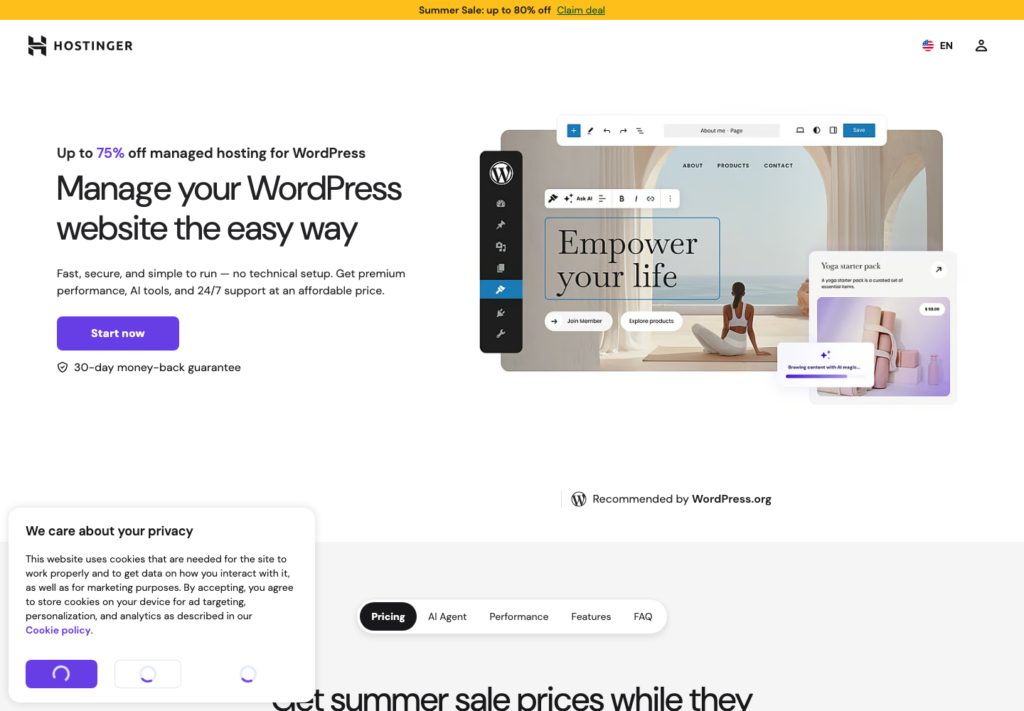
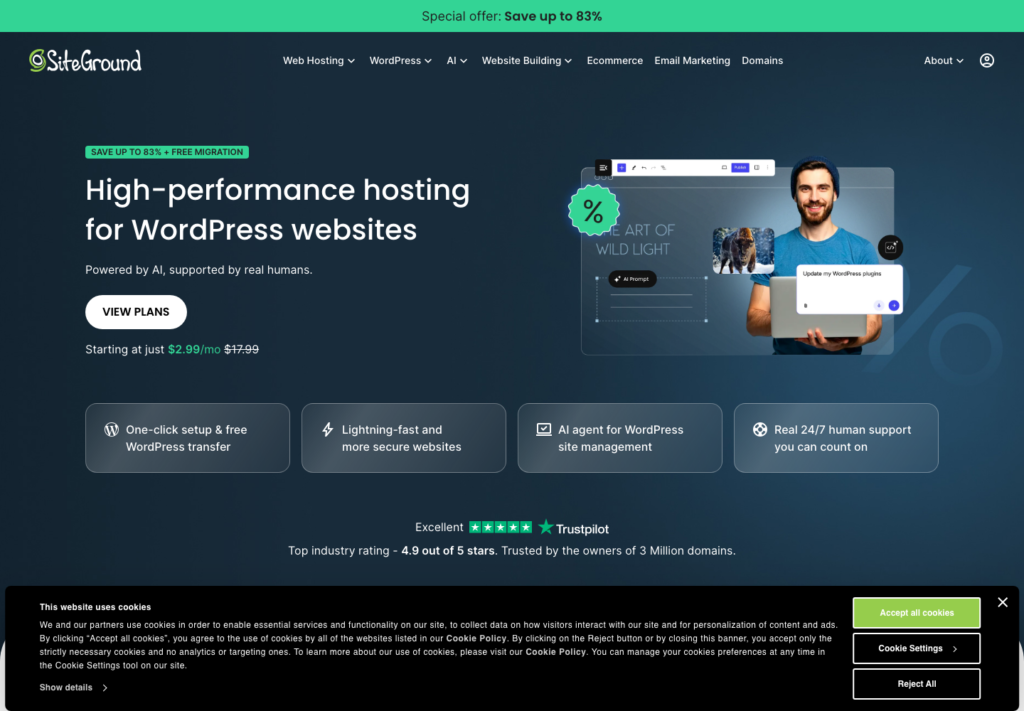
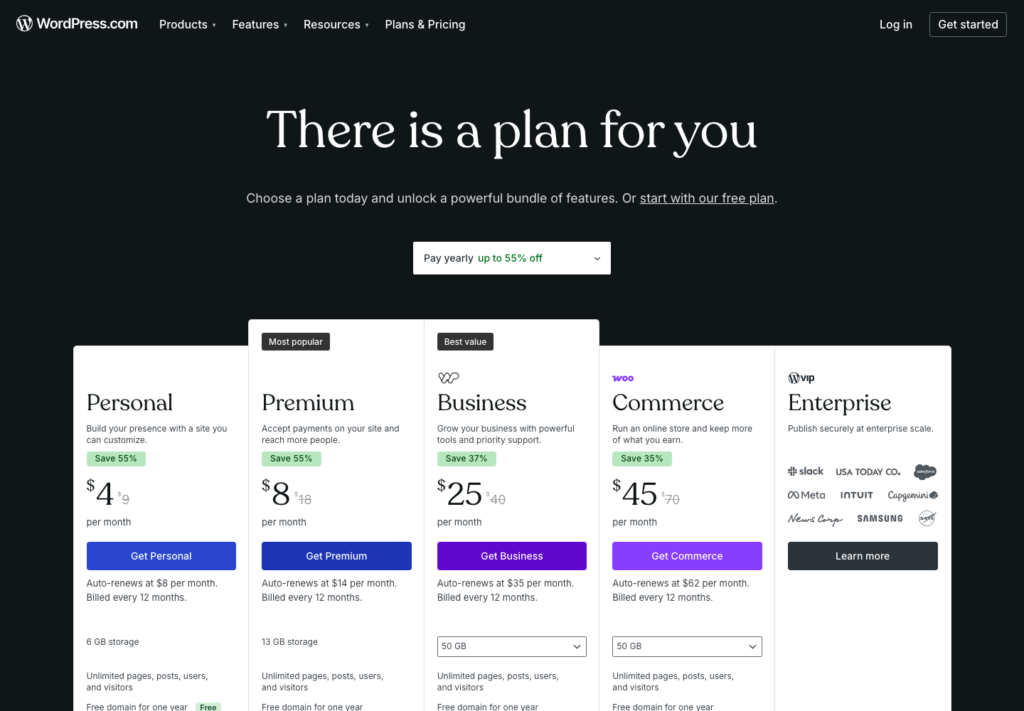
Choosing hosting for a first AdSense site can feel like a price comparison. One plan is cheaper this month. Another promises better speed. Another removes most technical setup.
But a first AdSense site should not be judged by the lowest checkout price alone. The better question is: which option gives a beginner enough control to build a useful, trustworthy WordPress site without creating too much technical friction?
For many beginners, the shortlist naturally becomes Hostinger, SiteGround, and WordPress.com. They are not identical choices. Hostinger and SiteGround are hosting providers for self-hosted WordPress. WordPress.com is a managed WordPress platform where the plan controls more of the experience.
The real decision is control versus convenience
Self-hosted WordPress means you use the open-source WordPress software on a hosting account you control. With Hostinger or SiteGround, you usually manage the site through a hosting dashboard, install WordPress, choose a theme, add plugins, connect Search Console, and build your publishing workflow.
WordPress.com is more managed. You sign up for a plan, and the platform handles more of the technical stack. That can be attractive if you do not want to think about hosting panels, server resources, caching, or basic security.
The tradeoff is flexibility. A serious AdSense-focused blog may eventually need SEO plugins, analytics tools, caching, image optimization, backups, custom editorial pages, and possibly WordPress REST API draft uploads. Before choosing a managed platform, check whether the plan supports the features you expect to use.
What to compare before buying
Do not compare only the first promotional price. Compare the operating model.
For a first AdSense site, check:
- first-term price and renewal price
- number of websites included
- storage limit
- backup frequency
- SSL support
- domain offer and domain renewal cost
- email mailbox terms
- WordPress plugin freedom
- support quality
- staging or backup restore options
- ability to connect Search Console and Analytics
- ability to use WordPress REST API draft workflows
The renewal price matters because a content site is not a one-month project. AdSense approval, SEO indexing, content improvement, and traffic testing take time.
Hostinger: often attractive for low-friction experiments
Hostinger is often appealing to beginners because the entry pricing is aggressive, the dashboard is approachable, and WordPress setup is streamlined. For a first site, that can reduce the emotional cost of starting.
The main advantage is practical: you can get self-hosted WordPress control without feeling like you are managing an old-school server. That fits a beginner who wants ownership, plugins, Search Console, and room for automation later.
The caution is renewal math. Promotional prices can look extremely low, but the renewal price may be much higher. Also check how many websites, mailboxes, backups, and support levels are included in the exact plan you choose.
Hostinger can be a good fit when the goal is to launch a clean WordPress.org site, keep costs low, and preserve future flexibility.
SiteGround: strong reputation, but watch renewal cost
SiteGround is another common managed WordPress hosting option. It is often discussed for support, performance, security features, backups, and a polished WordPress hosting experience.
For a beginner who wants fewer technical headaches and is willing to pay more after the first term, SiteGround can make sense. The experience may feel more premium than the cheapest shared hosting options.
The caution is that renewal pricing can be meaningfully higher than the first promotional price. If the site is still pre-revenue, that matters. A beginner should look beyond the first-year discount and ask: will I still be happy paying this after renewal if traffic is slow?
SiteGround can be a good fit when support, reliability, and managed features are worth the higher long-term cost.
WordPress.com: simplest start, but plan rules matter
WordPress.com is the simplest of the three from an operations standpoint. You do not need to choose a separate host, install WordPress manually, or manage much of the technical environment.
That convenience can be valuable. A blogger who wants to focus only on writing may prefer a managed platform.
The caution is control. Depending on the plan, plugin installation, advanced customization, monetization options, analytics, and automation can be limited or priced differently than self-hosted WordPress.
If you choose WordPress.com for an AdSense-oriented blog, read the current plan details carefully. Make sure the plan supports the features you expect before you build 30 posts around it.
My practical ranking criteria
For a first AdSense site, I would rank options using this order:
1. Can I own the site structure and move later if needed? 2. Can I install the plugins and tools I need? 3. Can I create trust pages, navigation, and clean layouts? 4. Can I connect Search Console and improve content from data? 5. Can I upload drafts safely without auto-publishing? 6. Can I afford the renewal cost if revenue is slow? 7. Can I get support when something breaks?
This is why self-hosted WordPress is usually the stronger long-term foundation for an AdSense project. WordPress.com is easier, but self-hosted WordPress gives more room to build a publishing asset.
A beginner-friendly recommendation
If your goal is a serious AdSense-ready blog, choose a self-hosted WordPress setup unless you have a strong reason to stay fully managed.
Hostinger may fit if you want a lower-cost start and enough control for a first site. SiteGround may fit if support and managed reliability are worth a higher renewal cost. WordPress.com may fit if simplicity matters more than plugin freedom and automation.
The best choice is not the cheapest plan. The best choice is the one you can keep using while you build content, improve quality, track Search Console data, and wait for the site to become real enough to monetize responsibly.
Useful references: Google AdSense eligibility guidance, Google SEO Starter Guide.
Related reading
Before You Publish
- Confirm the title includes the focus keyword naturally.
- Check that the meta description is clear and not too short.
- Add one or two relevant internal links after related posts exist.
- Use only images that you own, created yourself, or have permission to publish.
- Keep the article ad-free until AdSense is approved and connected properly.
The practical goal is not to make the article look optimized only to a plugin. The goal is to make it readable, trustworthy, and useful enough that the optimization score reflects real quality.
Hostinger, SiteGround, WordPress.com final checks
Hostinger, SiteGround, WordPress.com should improve reader trust before it tries to improve rankings. Confirm the official source, keep the user-facing promise narrow, and remove anything that looks like a private planning note instead of public advice.
For current details, review Hostinger WordPress hosting plans. Documentation, pricing pages, eligibility language, and product screens can change, so the final draft should match current source pages instead of relying only on old screenshots.
| Check | What to verify | Why it matters |
| Price | Check renewal price, storage, bandwidth, backups, and email separately. | Intro discounts can hide the real year-two cost. |
| Control | Confirm plugins, DNS, analytics, and performance tools. | A blog may need more than a simple editor. |
| Support | Look at migration, backup, staging, and security help. | A beginner host should reduce setup risk. |